
Background Images
Native background-image URL support with cover, contain, stretch, repeat, and focal position descriptors.
Background Images
Nitrocss parses CSS background-image: url(...) into a native descriptor instead of requiring an extra <Image> child inside every card.
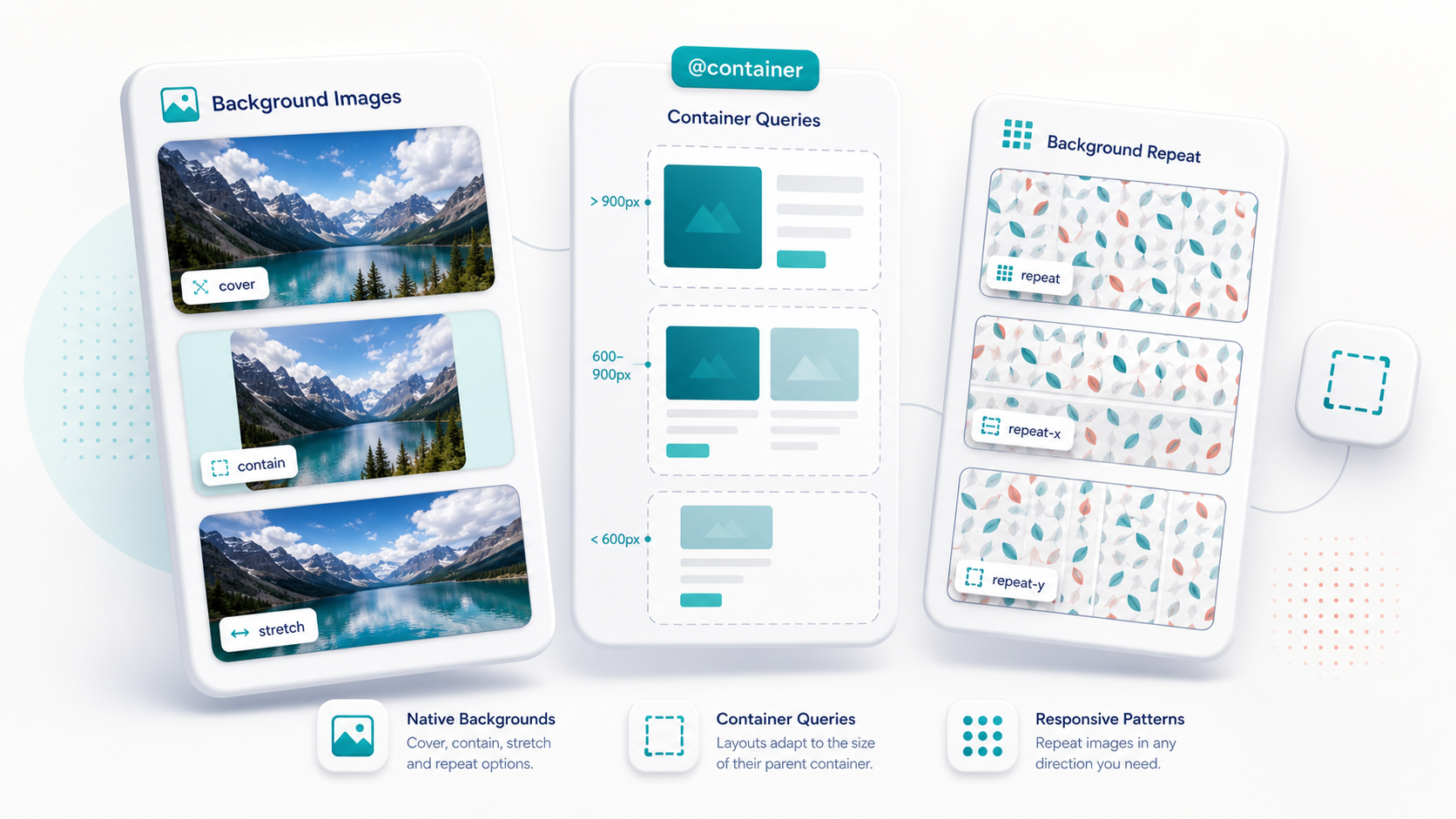
What is supported
.bg-photo {
  background-image: url('https://images.example.com/photo.jpg');
  background-size: cover;
  background-position: center;
  background-repeat: no-repeat;
}

.bg-photo-contain {
  background-image: url('https://images.example.com/photo.jpg');
  background-size: contain;
  background-position: center;
  background-repeat: no-repeat;
}

.bg-photo-stretch {
  background-image: url('https://images.example.com/photo.jpg');
  background-size: 100% 100%;
}

.bg-tile {
  background-image: url('/img/features/repeat-tile.svg');
  background-repeat: repeat;
  background-size: 64px 64px;
}

.bg-tile-x {
  background-image: url('/img/features/repeat-tile.svg');
  background-repeat: repeat-x;
  background-size: 64px 64px;
}

.bg-tile-y {
  background-image: url('/img/features/repeat-tile.svg');
  background-repeat: repeat-y;
  background-size: 64px 64px;
}<View className="h-44 overflow-hidden rounded-2xl bg-photo">
<Text className="m-4 rounded-lg bg-black/50 px-3 py-1 text-white">Native layer background</Text>
</View>Repeat behavior
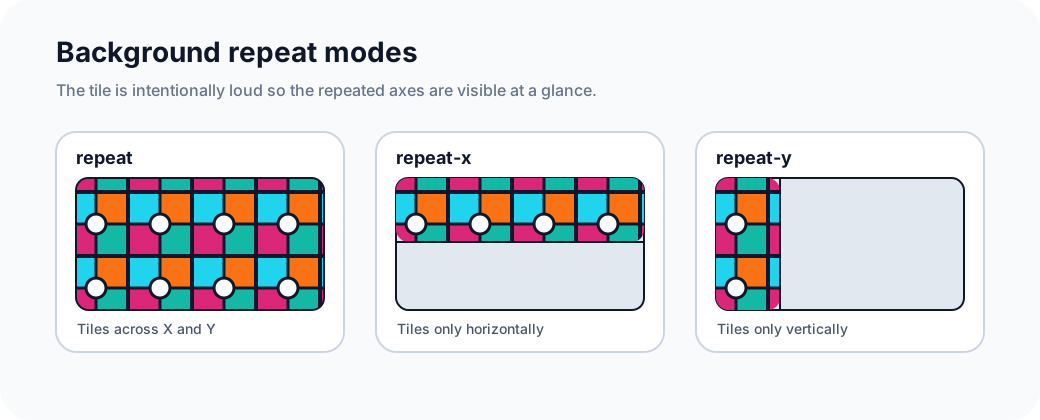
Use repeat with a small, intentional tile. repeat fills both axes, repeat-x only tiles horizontally, and repeat-y only tiles vertically. The examples below use a deliberately high-contrast tile so the repeated direction is visible.
How it compiles
The compiler captures the URL plus companion declarations into a compact native descriptor:
| CSS | Descriptor |
|---|---|
background-image: url(...) | url |
background-size: cover | size: "cover" |
background-size: contain | size: "contain" |
background-size: 100% 100% | size: "stretch" |
background-repeat: repeat-x | repeat: "repeat-x" |
background-position: top right | positionX: 1, positionY: 0 |
Gradients are handled by the gradient parser instead of this URL parser.
Why it matters
Background images are painted on the view surface owned by the native layer. That keeps your component tree clean and lets image backgrounds compose with rounded corners, clipping, gradients, and overlays without adding layout-only child components.