
Container Queries
Width, height, named, and custom cq container query examples.
Container Queries
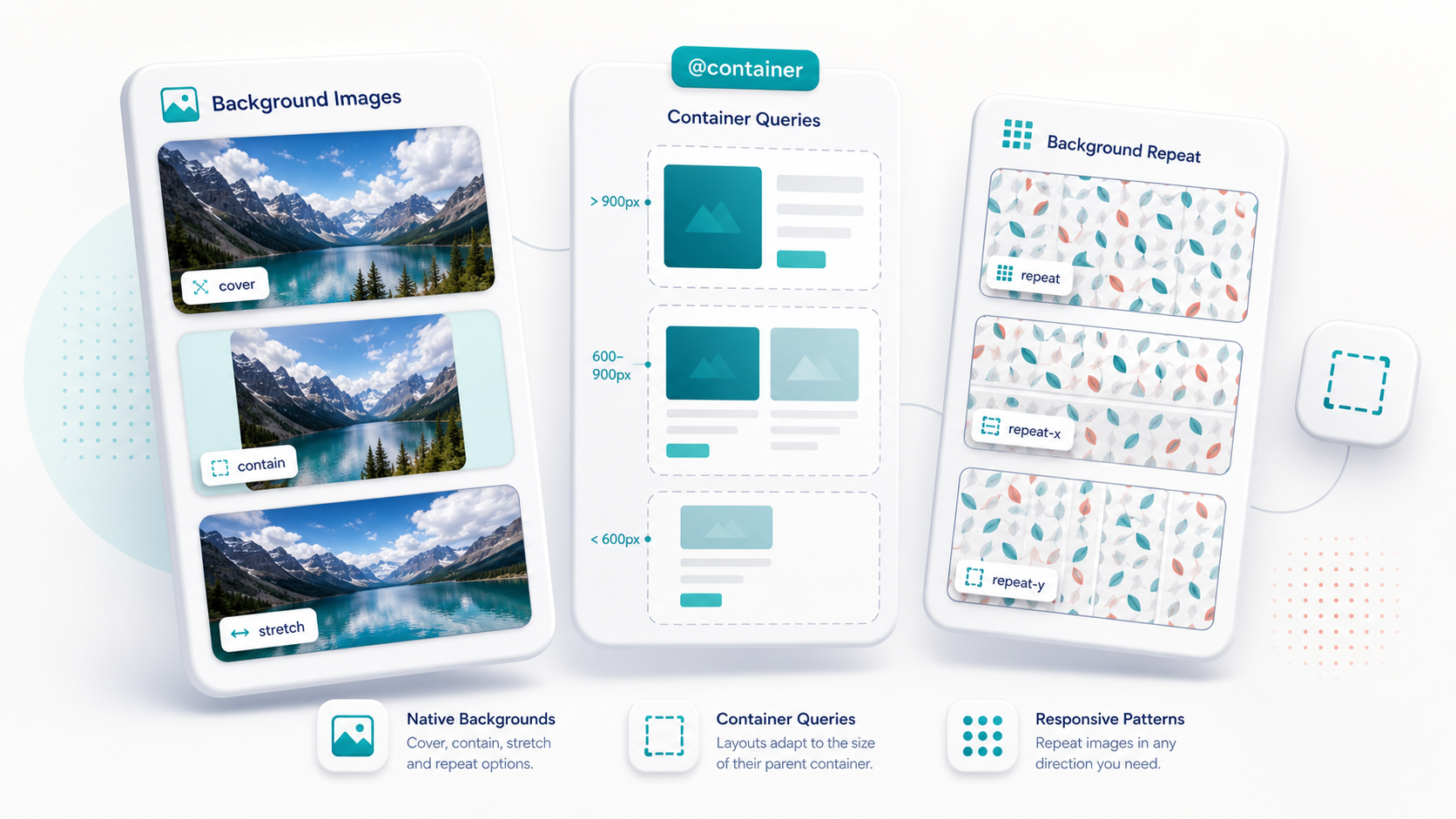
NitroWind supports container-aware styling in React Native. A container view is measured after layout, then descendants gated by the container size are resolved and committed natively.
Mark a container
<View className="@container rounded-2xl border border-border p-4">
  <Text className="text-sm @min-[280px]:text-lg">I respond to my container width.</Text>
</View>
@container creates an anonymous inline-size container. Use @container/name for named containers.
<View className="@container/sidebar p-4">
  <Text className="@min-[320px]/sidebar:text-lg">I read the sidebar container.</Text>
</View>
Min and max queries
<View className="@container rounded-xl p-4">
  <View className="gap-2 @min-[280px]:gap-4 @max-[220px]:gap-1">
    <Text className="text-muted @min-[280px]:text-on-surface">
      Spacing and color change from container width.
    </Text>
  </View>
</View>
Supported Tailwind-style conditions include:
| Class | Meaning |
|---|---|
@min-[280px]:gap-4 | Apply when nearest container width is at least 280px. |
@max-[220px]:gap-1 | Apply when nearest container width is at most 220px. |
@min-[24rem]:text-lg | rem thresholds are baked to px at compile time. |
@min-[320px]/sidebar:flex-row | Read a named container. |
Height queries
Height queries are available through the custom cq syntax:
<View className="@container/preview h-44 rounded-xl p-4">
  <View className="[cq-h>=170px]/preview:py-7 [cq-h<170px]/preview:py-3">
    <Text>Height-aware spacing</Text>
  </View>
</View>
Custom cq syntax
Custom container tokens are useful when you want direct comparison operators or height-axis conditions.
<View className="@container/card p-4">
  <View
    className="
      bg-rose-500
      [cq-w>=300px]/card:bg-emerald-500
      [cq-h>=170px]/card:py-7
      [cq-w<240px]/card:hidden
    "
  />
</View>| Token | Meaning |
|---|---|
[cq-w>=300px]:bg-emerald-500 | Nearest container width is at least 300px. |
[cq-w<240px]:hidden | Nearest container width is less than 240px. |
[cq-h>=170px]:py-7 | Nearest container height is at least 170px. |
[cq-w>=300px]/remote:bg-emerald-500 | Named container remote width is at least 300px. |
The older [parent-w>=260px]:... shape is also recognized for compatibility, but [cq-*] is the clearer form for new code.
Named containers outside the subtree
Named container conditions can react to globally registered named containers. This lets a receiver respond to a measured container elsewhere in the interface.
<View className="@container/remote h-40 w-72" />

<View className="bg-rose-500 [cq-w>=300px]/remote:bg-emerald-500">
  <Text className="[cq-w>=300px]/remote:text-black text-white">
    I react to /remote
  </Text>
</View>
Runtime behavior
Container-query buckets carry the ContainerSize dependency. Once the container is measured, the native engine or JS fallback resolves only the affected nodes.